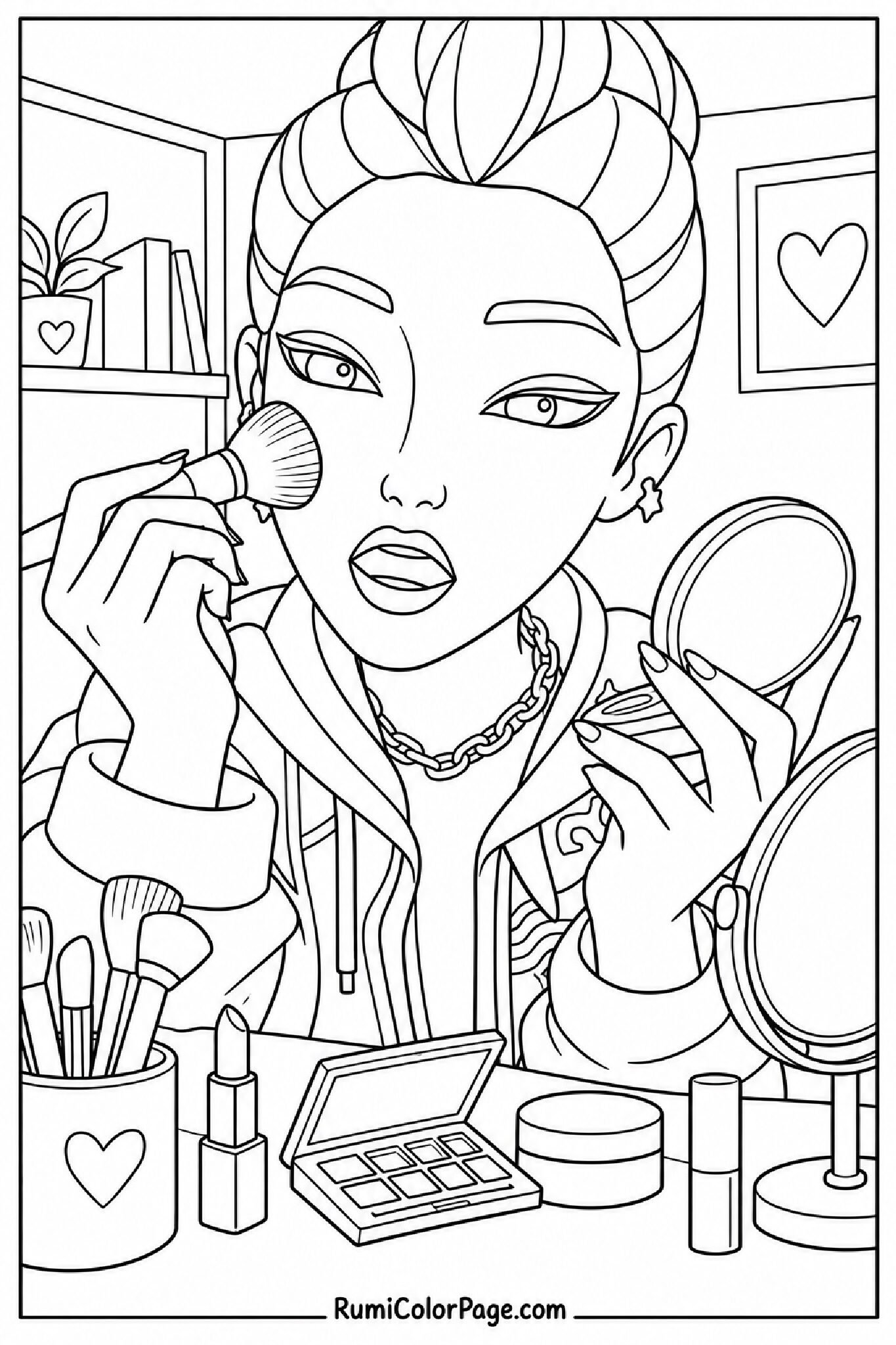
Free Printable Rumi Doing Her Make Up Coloring Pages (10+ High-Res PDFs)
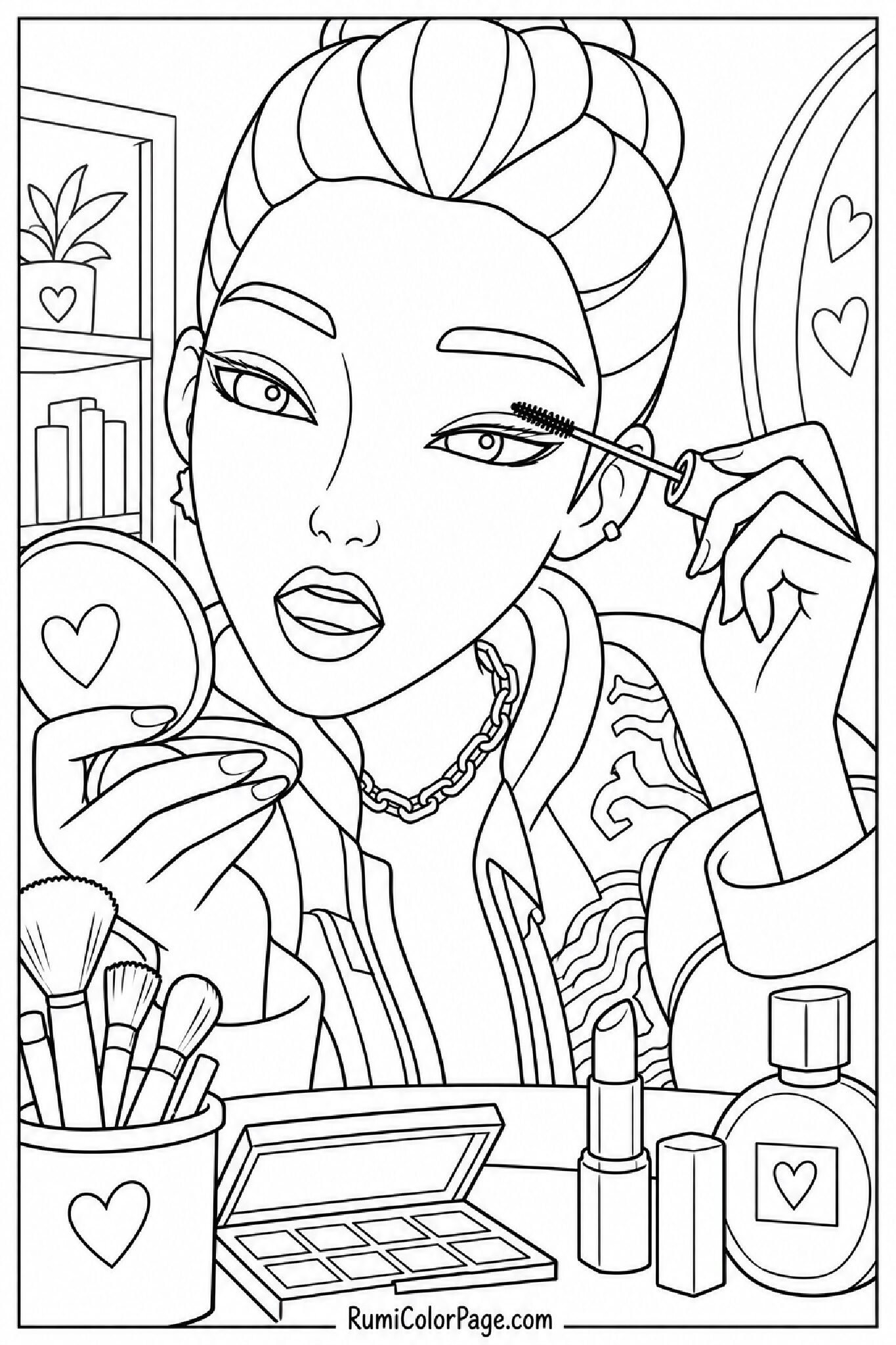
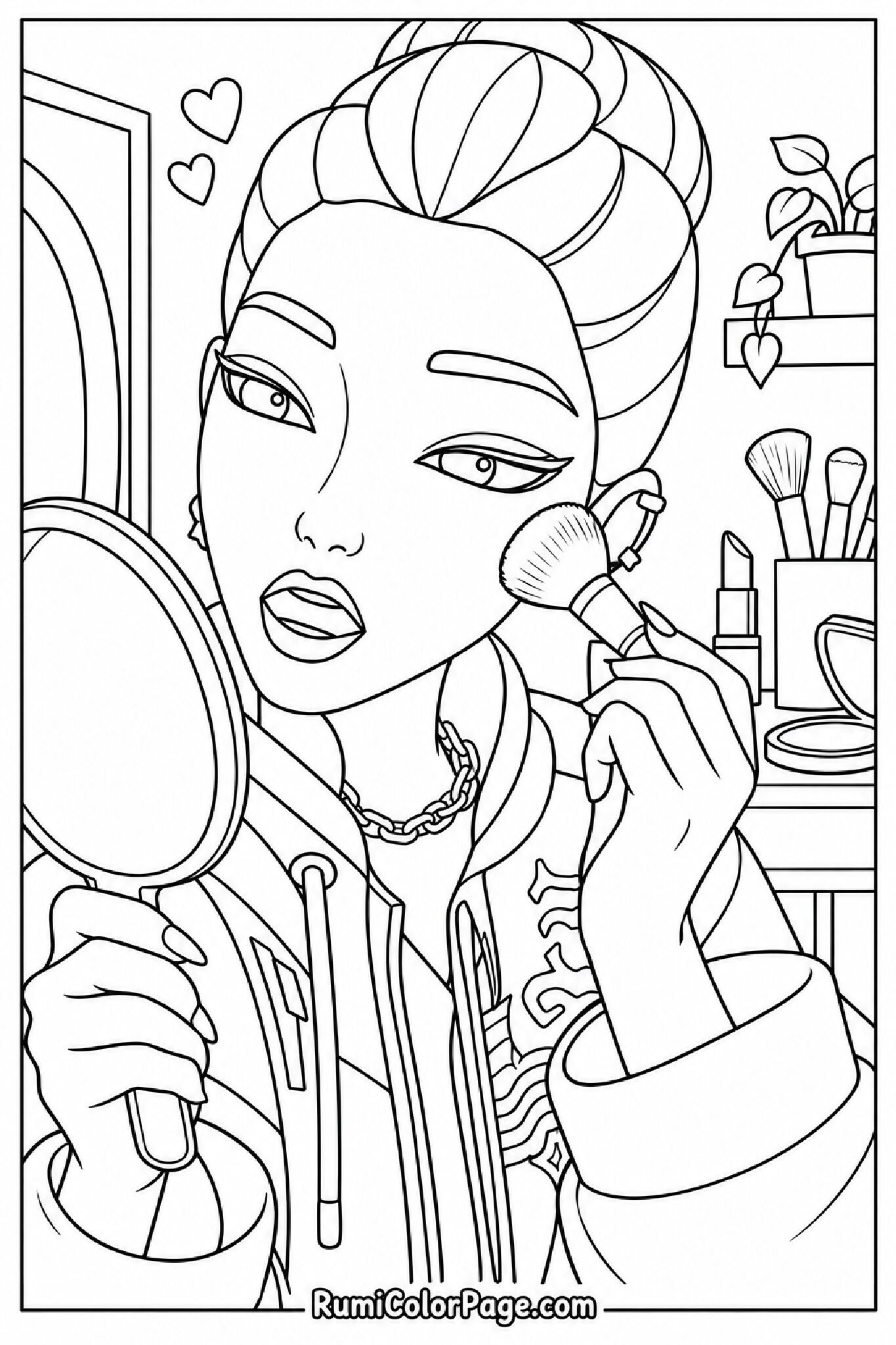
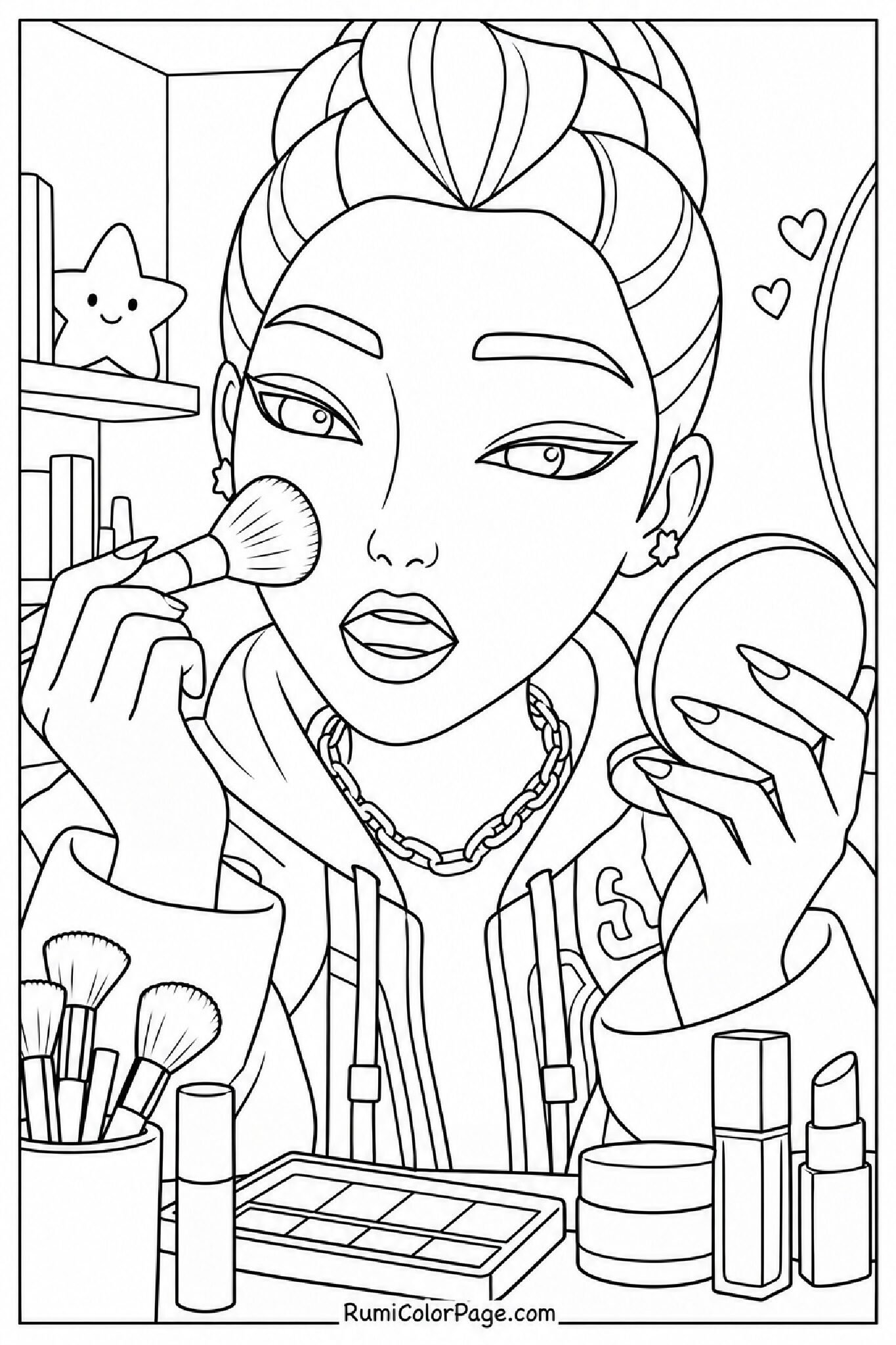
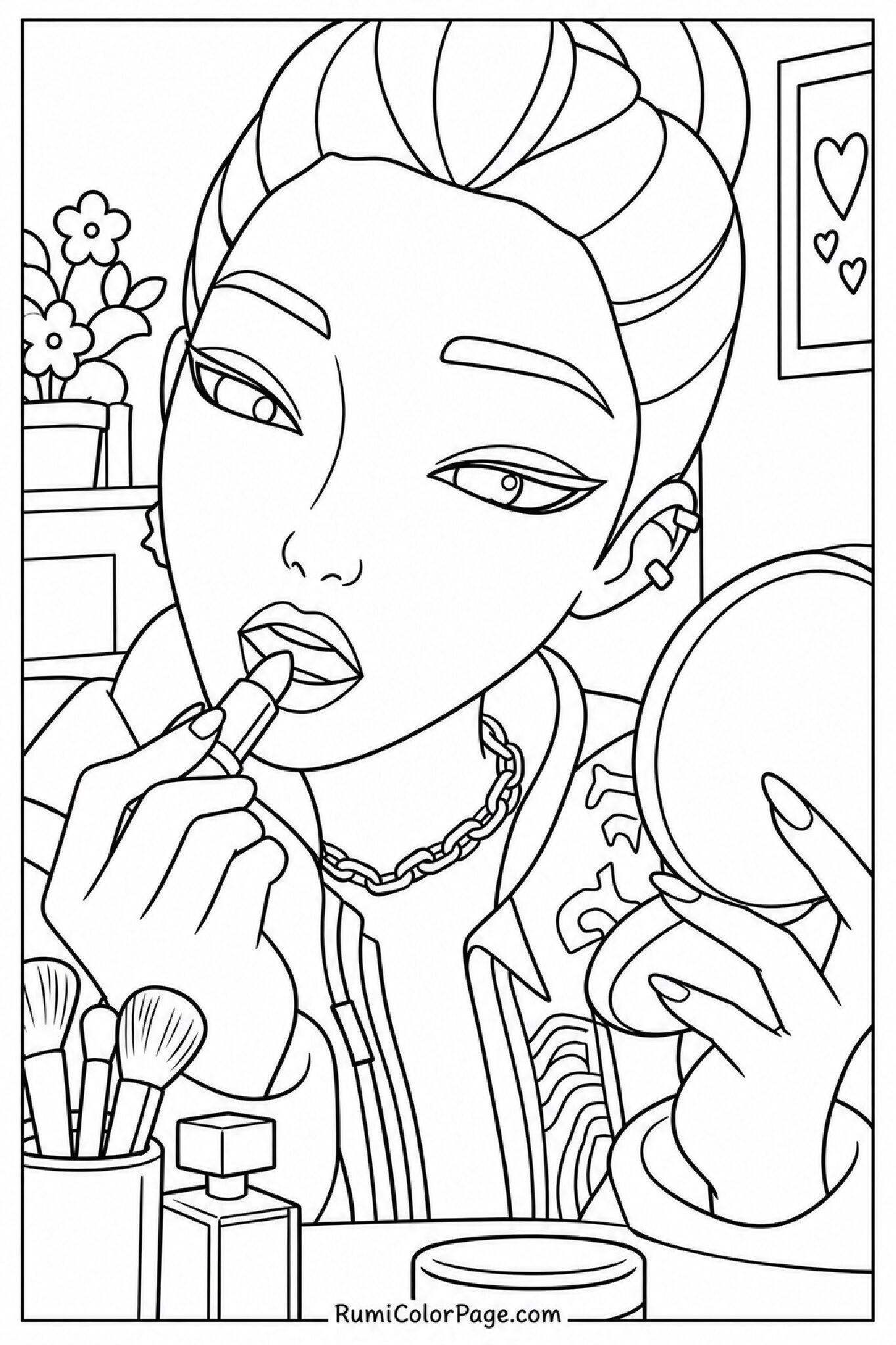
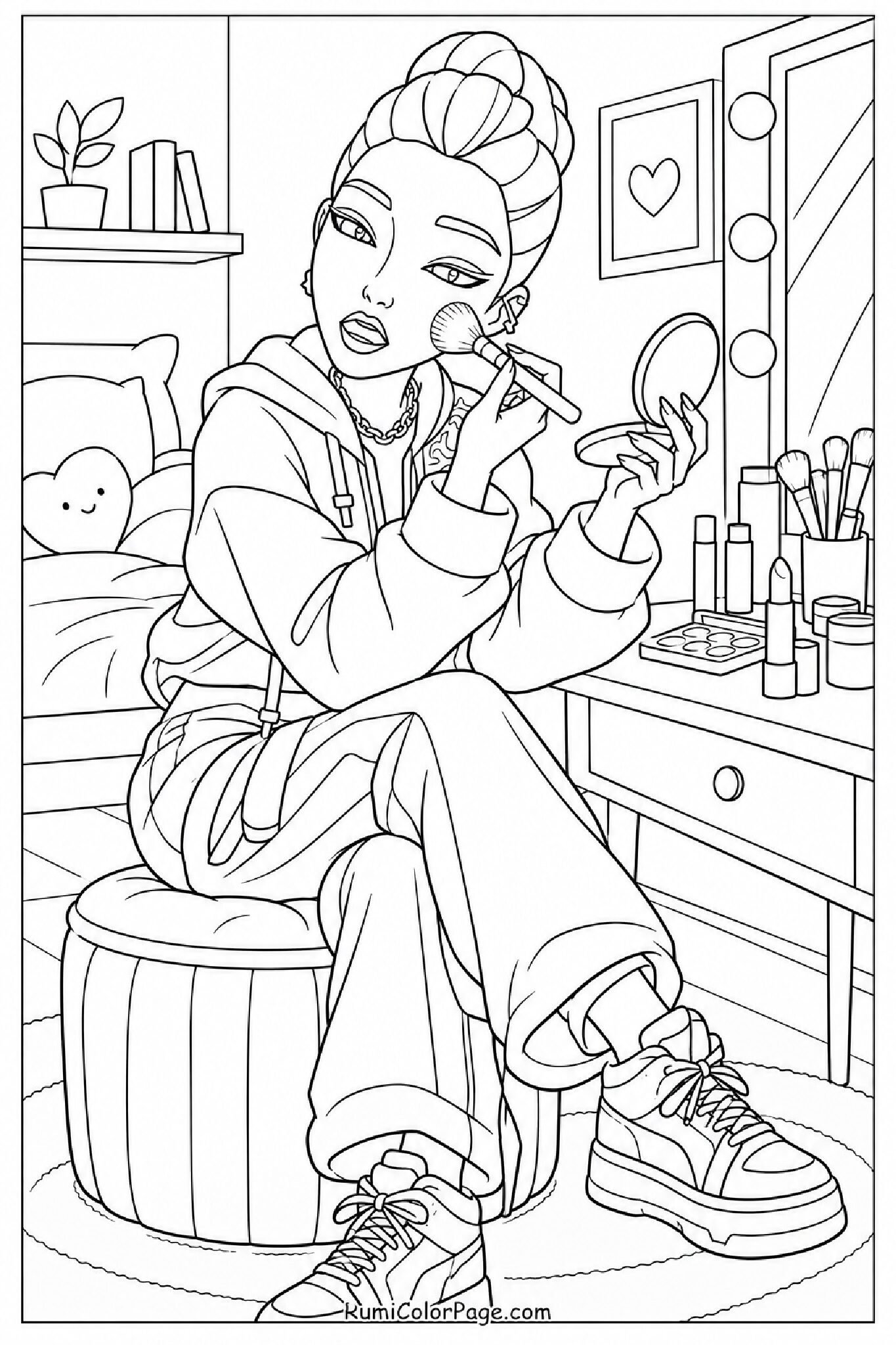
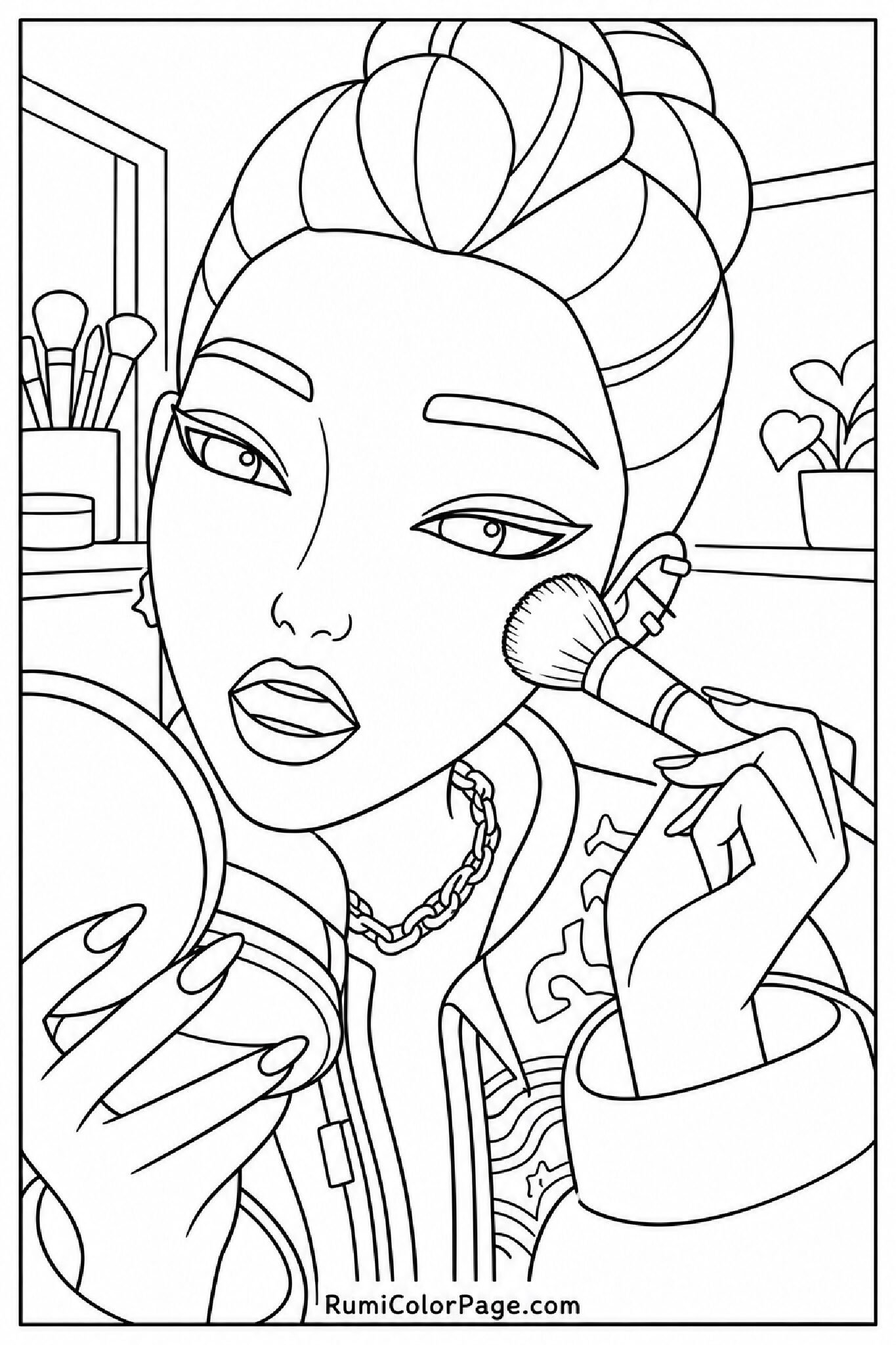
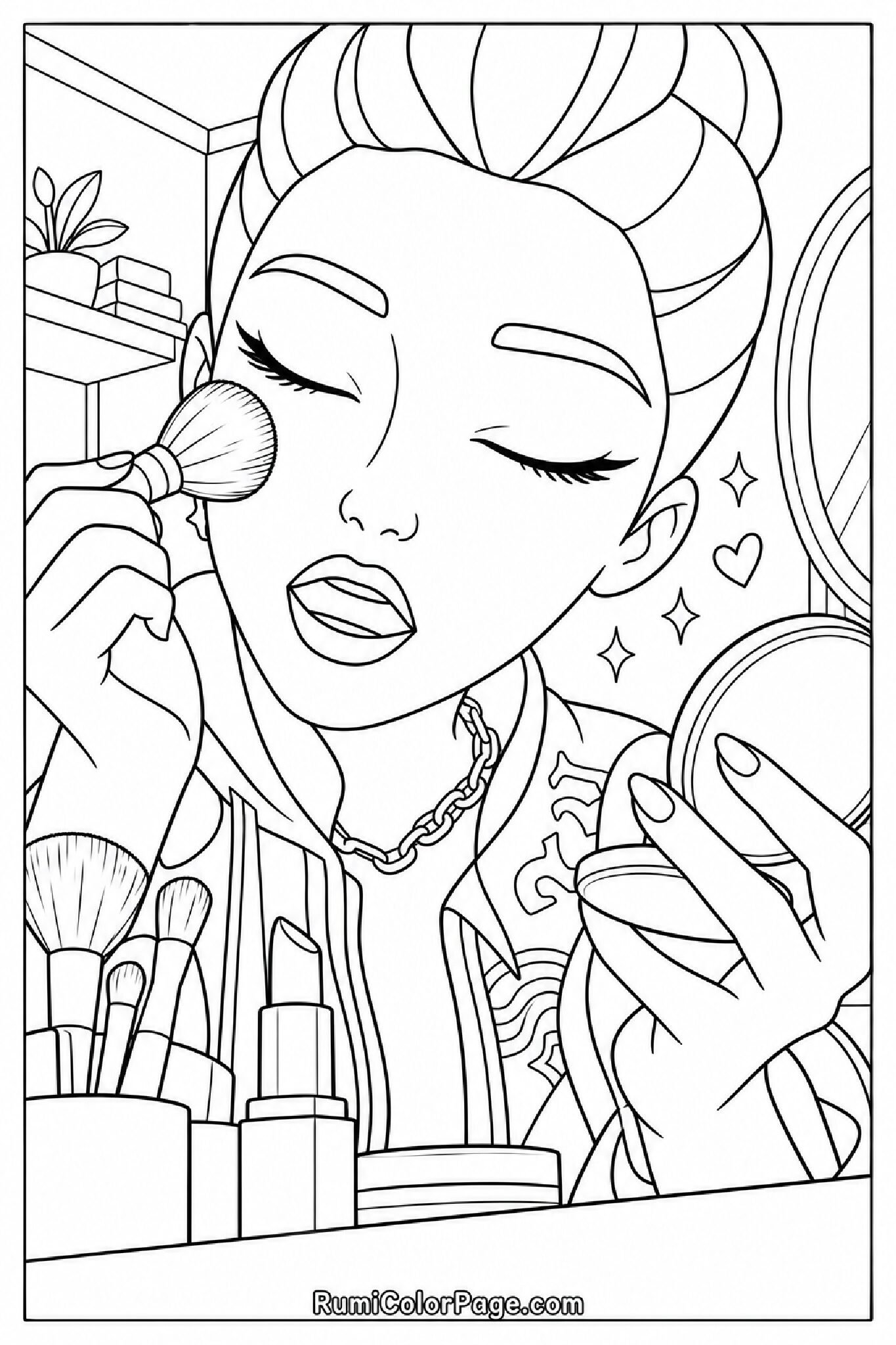
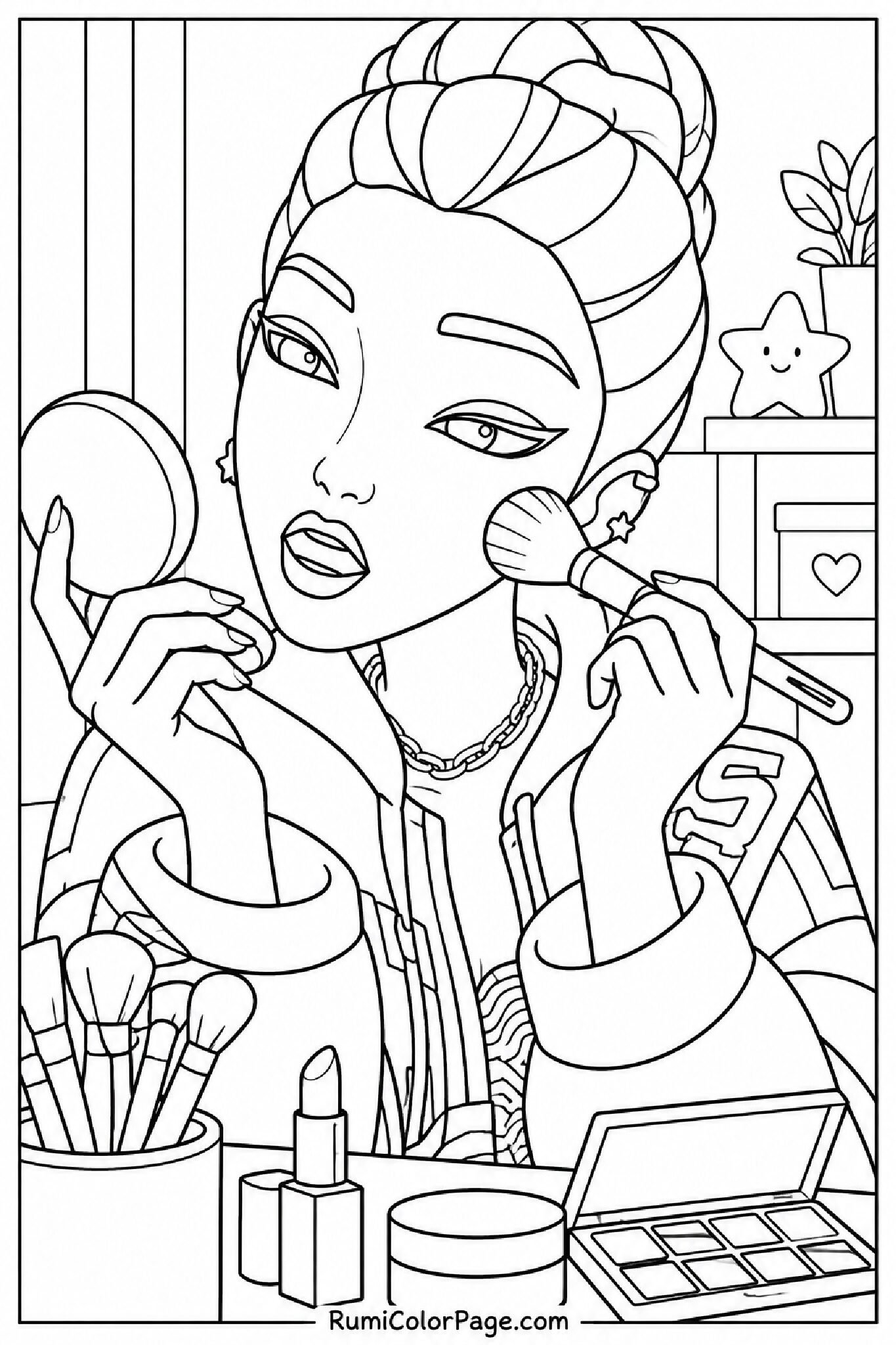
Get ready to color your favorite KPop Demon Hunters star! Explore our original collection of Rumi Doing Her Make Up coloring pages featuring detailed vanity scenes, lipstick close-ups, mirror reflections, and glam poses. Perfect for kids, fans, and coloring enthusiasts!
Download Complete 10-Page Collection (Single PDF Pack)
Print Clarity: Clean & Crisp Line Art
Paper Size: Standard 8.5 x 11 inches (A4)
Cost: 100% Free Personal Use
Quick Printing & Setup Checklist for Best Results
Paper Choice: Standard printer paper works great for crayons and colored pencils. Use cardstock (120+ GSM) if you plan to color with alcohol markers or gel pens to prevent bleed-through.
Printer Settings: Select “Fit to Printable Area” or “Actual Size” and turn on “High Quality Print” for maximum line crispness.
Coloring Tools: Use fine-tip markers or gel pens for tiny facial details like eyebrows, lip contours, and eyeliner.
Bring Glamour and Creativity Together with Rumi’s Beauty Routine
In the world of KPop Demon Hunters, Rumi Kang balances her life as the lead singer of HUNTR/X with her secret duty fighting dark forces. While she is usually seen in high-action performance poses or equipped with her magical weapons, her quiet vanity and getting-ready moments showcase a completely stylish, artistic side.
Our Rumi Doing Her Make Up Coloring Pages collection focuses on these intimate, glam-filled scenes. Whether she is carefully applying lipstick, adjusting her signature braid in front of a mirror, using cosmetic brushes, or showing off close-up facial expressions, every sheet gives colorists a fresh scene to personalize with bold makeup palettes and artistic shading.
Explore & Download the 10 Rumi Makeup Coloring Sheets
Expert Coloring & Styling Ideas for Rumi’s Beauty Look
Makeup-themed illustrations offer a unique opportunity to try soft blending, metallic accents, and realistic skin tone techniques. Here are step-by-step styling tips to make your artwork pop:
1. Pick a Cohesive Color Palette
Before coloring, decide on the general vibe of Rumi’s look:
Glamorous Popstar: Deep berry or bright red lipstick, metallic gold eyeshadow, and dark purple hair accents.
Soft K-Beauty Pastel: Peach blush, light coral lips, soft lavender eyeshadow, and subtle highlight spots.
Demon Hunter Fusion: Add glowing neon turquoise or violet tones around her facial markings for a magical contrast!
2. Create Realistic Lipstick & Lip Gloss Highlights
To give lipstick a shiny, realistic look, color the outer lip contours with a darker shade (such as rose or plum). Lightly fill the center, and leave a tiny white uncolored oval on the lower lip to simulate light reflection and lip gloss shine.
3. Eyeshadow Blending Techniques
On pages where Rumi has her eyes closed or tilted toward the viewer, build eyeshadow in soft layers. Start with a pale base shade across the entire eyelid, then blend a slightly darker hue toward the outer corners near the eyelashes.
4. Highlighting Brushes and Vanity Mirrors
Make cosmetic brushes stand out by coloring handles with gold, black, or rose-gold metallic gel pens. For mirrors, use very light pastel blue or cool gray strokes across the reflection area to give the illusion of glass reflection without covering the linework.
Frequently Asked Questions (FAQs)
Q: Are these Rumi makeup coloring pages completely free to print?
Yes, 100%! All coloring pages hosted on RumiColorPage.com are completely free for personal, home, and educational classroom use.
Q: Which paper size and weight work best for printing?
All our PDFs are formatted to fit standard US Letter (8.5 x 11 inches) and A4 paper. Standard printer paper works fine for crayons and pencils. For markers, watercolors, or gel pens, we recommend 120+ GSM heavy paper or cardstock to avoid paper warping.
Q: Can I use these coloring sheets on digital art tablets like Procreate?
Absolutely! Simply download the high-resolution PDF or save the page preview image, import it into your favorite digital drawing app (like Procreate, ibisPaint, or Photoshop), set the layer mode to “Multiply”, and start coloring digitally!